
Smart home energy dashboards are no longer just for tech enthusiasts—they’re becoming essential tools for UK households trying to cut energy costs, reduce waste, and understand how their electricity is actually being used. Whether you’re using smart plugs, smart heating, or just want to track your usage without a smart meter, the right dashboard or app can give you the visibility and control you need.
This guide breaks down the best energy dashboards and apps available in the UK, explains what they do, and helps you choose the right one for your home setup.
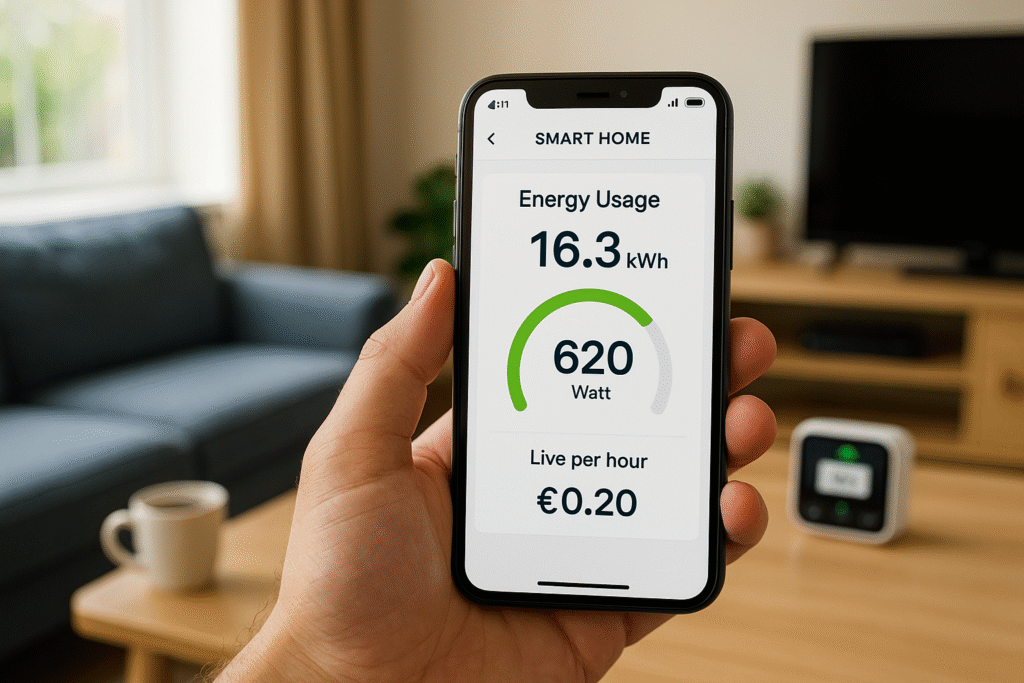
What Is a Smart Energy Dashboard (and Why It’s Useful)?
A smart energy dashboard is a visual interface—usually an app—that shows how much electricity you’re using, when you’re using it, and which devices are responsible. It connects to smart plugs, thermostats, or smart meters to give you real-time and historical data.
Here’s what a good energy dashboard can do:
- Track energy use per device or room
- Show real-time and daily/weekly/monthly kWh usage
- Help you spot spikes, standby waste, or forgotten devices
- Let you schedule or automate appliances
- Integrate with Alexa, Google Assistant, or Apple HomeKit
- Help you make smarter decisions about when and how to use electricity
And the best part? You don’t need a smart meter to benefit. Many dashboards work with smart plugs or heating systems alone.
What Real Households Want to Know
Before diving into features, let’s ground this in real-life questions from UK homes:
- “I want to know how much my heater is costing me each day.”
- “I think my towel rail is running all night—how can I check?”
- “I’ve got a few smart plugs, but I’m not using them to their full potential.”
- “I want to reduce my bill, but I don’t know where to start.”
If any of these sound familiar, this guide is for you. Whether you’re tracking a single appliance or building a full smart home setup, the right dashboard helps you:
- Understand your energy use without relying on a smart meter
- Track specific appliances like heaters, kettles, or routers
- Use smart plugs or heating apps to automate and save
- Compare usage across days, weeks, or seasons
- Make informed decisions that reduce your electricity bill
Top Smart Energy Dashboards & Apps (UK-Compatible)
Here’s a breakdown of the most popular and useful energy dashboards and apps available in the UK, each with its own strengths depending on your setup.
🔌 TP-Link Tapo App
The Tapo app is designed for TP-Link’s range of smart plugs, bulbs, and cameras. It’s one of the most user-friendly apps for beginners and offers excellent energy tracking features.
Key features:
- Real-time and historical kWh tracking
- Daily, weekly, and monthly usage graphs
- Device grouping (e.g. “Living Room” or “Heating Zone”)
- Scheduling, countdown timers, and away mode
- Works with Alexa and Google Assistant
Best for: Plug-level tracking and automation with a clean, intuitive interface
Explore: Browse TP-Link Tapo Products
📱 Meross App
Meross offers a wide range of smart plugs, extension leads, and switches—all compatible with Alexa, Google, and Apple HomeKit. The app is reliable and well-suited for high-wattage appliances like heaters and towel rails.
Key features:
- Real-time energy monitoring (kWh, watts, voltage)
- Overload protection alerts
- Scheduling and timer functions
- Voice control and remote access
- HomeKit integration for Apple users
Best for: Tracking and automating high-draw appliances like electric heaters
Explore: Browse Meross Smart Home Devices
🌐 Smart Life / Tuya App
Smart Life is a universal app used by dozens of smart plug brands. It’s flexible, powerful, and ideal for mixed-brand setups or budget-friendly devices.
Key features:
- Works with a wide range of smart plugs and sensors
- Energy monitoring (on supported devices)
- Custom automations, scenes, and triggers
- Sunrise/sunset scheduling
- Alexa and Google Assistant compatible
Best for: Households using multiple brands or building a flexible smart home setup
Explore: Browse Smart Life-Compatible Devices
🏠 Hive / Tado / Drayton Wiser
These apps are focused on smart heating and thermostats. They don’t track plug-level usage but offer powerful room-by-room control and energy-saving features.
Key features:
- Smart thermostat control with zoned heating
- Usage history and temperature graphs
- Geofencing and occupancy detection
- Integration with smart radiator valves
- Works with Alexa and Google
Best for: Homes with smart heating systems looking to reduce gas and electric heating costs
Explore: Browse Smart Heating Systems
📊 Loop / Hugo / Bright
These apps connect to your smart meter (SMETS2) and provide whole-home energy tracking. They don’t offer device-level data but are great for understanding overall trends.
Key features:
- Daily and hourly usage graphs
- Tariff tracking and cost breakdowns
- Carbon footprint insights
- Solar generation tracking (Loop)
- No hardware required—just smart meter access
Best for: Households with smart meters who want to visualise and reduce total energy use
Comparison Table: Features at a Glance
| App/Dashboard | Device Tracking | Scheduling | Energy Monitoring | UK Certified | Best For |
|---|---|---|---|---|---|
| Tapo | ✅ | ✅ | ✅ | ✅ | Smart plugs |
| Meross | ✅ | ✅ | ✅ | ✅ | High-draw appliances |
| Smart Life | ✅ | ✅ | ✅ | ✅ | Mixed-brand setups |
| Hive/Tado | ❌ | ✅ | ✅ (heating only) | ✅ | Smart heating |
| Loop/Bright | ❌ | ❌ | ✅ (whole home) | ✅ | Smart meter users |
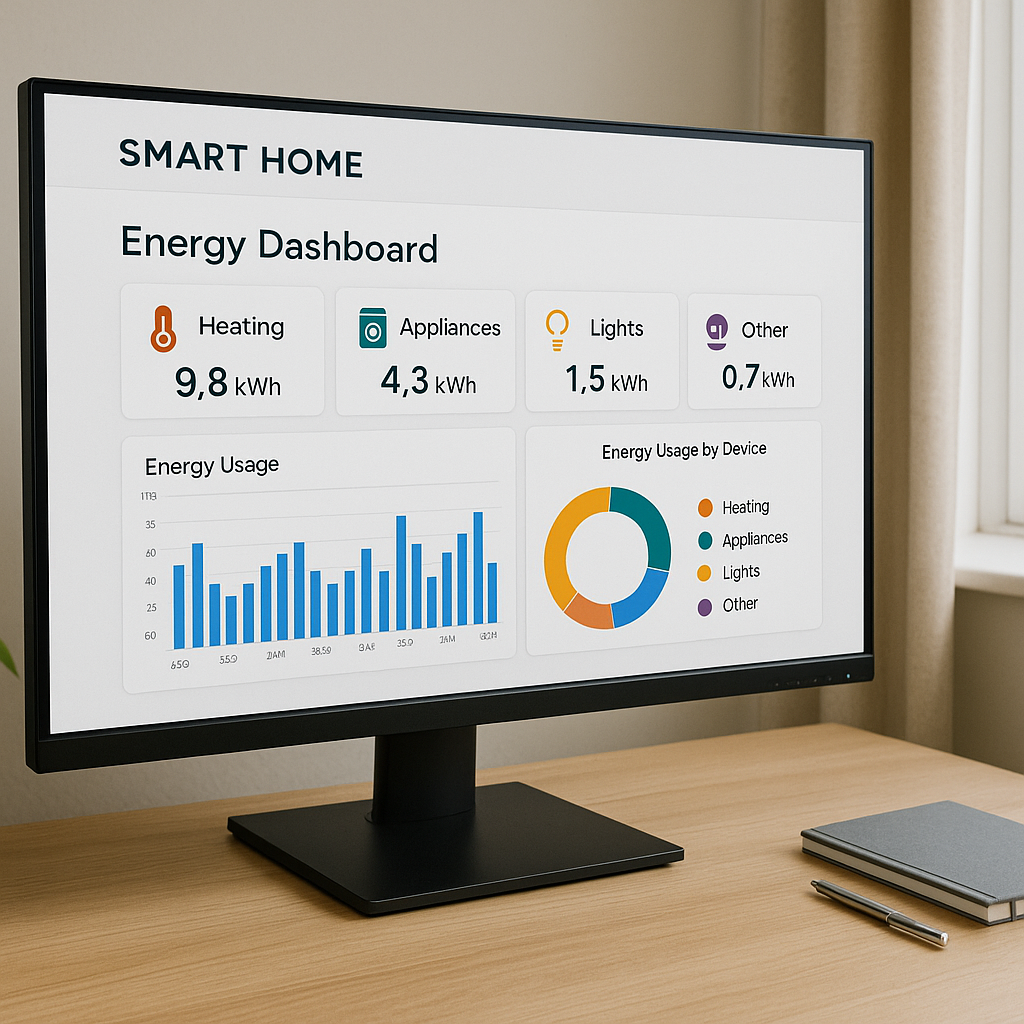
How to Choose the Right Dashboard for Your Home
Choosing the right energy dashboard depends on your setup and goals:
- Using smart plugs? Start with Tapo, Meross, or Smart Life. They’re ideal for tracking individual appliances and automating routines.
- Want to control heating? Hive, Tado, or Wiser offer powerful heating dashboards with zoned control and usage history.
- Already have a smart meter? Loop, Hugo, or Bright give you whole-home insights without needing extra hardware.
- Just starting out? Choose a smart plug and app combo that’s easy to set up. Tapo and Meross are great entry points.
FAQs
Can I use these apps without a smart meter? Yes—Tapo, Meross, and Smart Life work independently of smart meters. You only need a smart plug.
Which app works best with Alexa or Google? Tapo, Meross, and Smart Life all support voice assistants. Hive and Tado also integrate with Alexa and Google.
Are energy readings accurate? Smart plug apps are accurate enough for household tracking—typically within 5–10%. They’re ideal for spotting trends and comparing devices.
Can I track usage per room or zone? Yes—most apps let you group devices (e.g. “Living Room” or “Kitchen”) and monitor them together.
🔗 Understand Your Energy Before You Automate ⚡
Once you’ve explored the best smart home dashboards, it’s worth stepping back to understand what your energy data is really telling you—and how to track it device by device. These guides will help you build a smarter, more efficient home from the ground up.
→ Read next: kWh Explained Simply — What Your Energy Data Is Really Telling You
→ Explore: The Beginner’s Guide to Tracking Device-by-Device Energy Use (No Smart Meter Needed)
Conclusion: Your Energy, Your Dashboard
Smart energy dashboards turn invisible usage into visible insights. Whether you’re tracking a single heater or managing a whole-home setup, the right app helps you spot waste, automate routines, and reduce your bill.
Start with one plug, one app, and one habit. Once you see the numbers, you’ll never look at your energy use the same way again. And with UK-compatible apps like Tapo, Meross, and Smart Life, it’s never been easier to take control—no smart meter required.
Learn how to monitor and control electricity use in every room with the Smart Energy Monitors & Plugs Hub from smart plugs to power meters and automation tips that lower your bills.

About The Author – Andrew Marshall
Andrew Marshall is a Scottish homeowner and the creator of Save Wise Living. He shares practical ways to reduce energy bills, improve home efficiency, and make everyday household routines cheaper and simpler.