
Why Timing Is the Hidden Key to Energy Savings
UK households are under constant pressure from rising energy bills. While many people focus on reducing overall consumption, fewer realise that when you use electricity can be just as important as how much you use. With tariffs like Economy 7, Economy 10, and newer smart meter time-of-use plans, the difference between peak and off-peak rates can be dramatic — sometimes double the cost per kWh.
Smart plugs are the perfect tool to take advantage of these tariffs. By scheduling appliances to run during cheaper off-peak hours, you can cut costs without changing your lifestyle. This guide explains how smart plug scheduling works, which devices benefit most, and which products are best suited for UK homes.
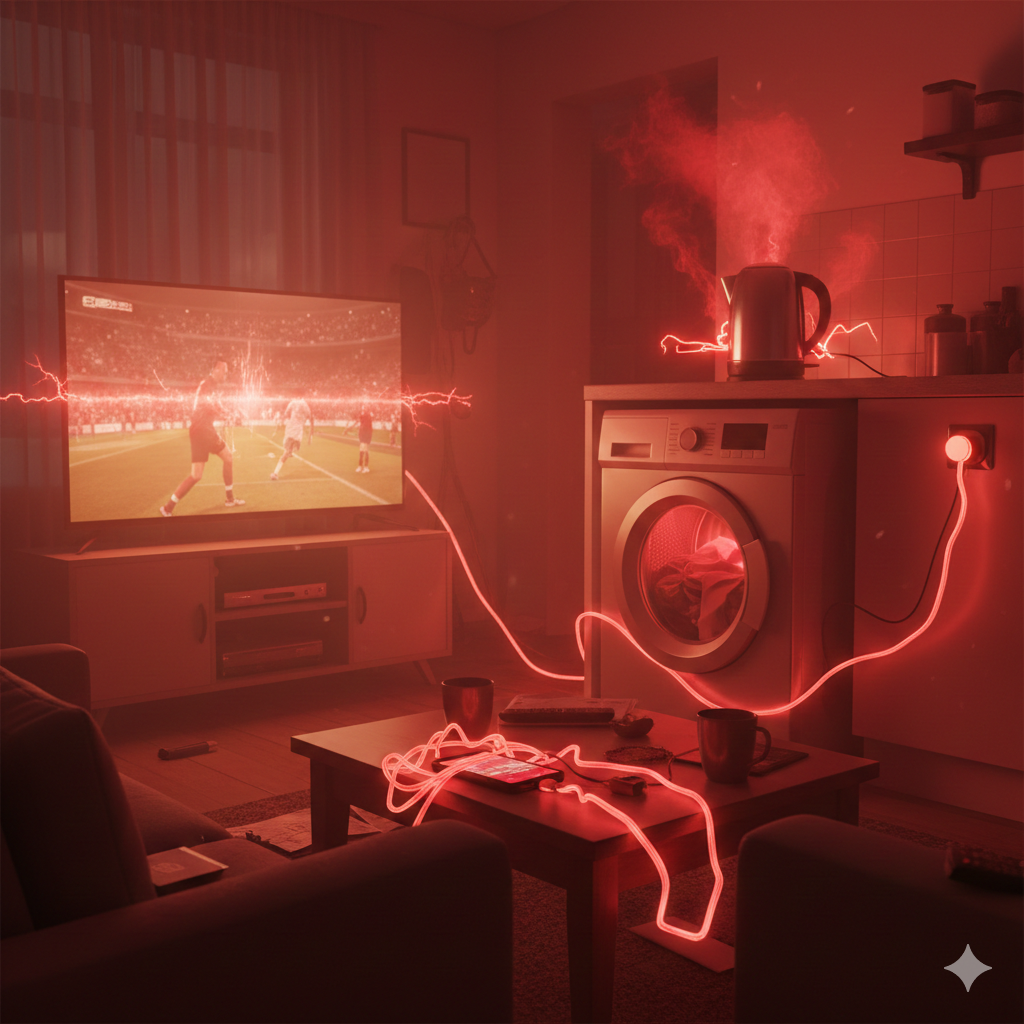
Understanding Peak vs Off-Peak Tariffs in the UK
One of the most overlooked aspects of energy use in UK homes is that the cost of electricity is not constant throughout the day. Many households assume that every kilowatt-hour (kWh) costs the same, but with tariffs like Economy 7, Economy 10, and newer smart meter time-of-use plans, the price you pay depends heavily on when you use electricity.
Peak Hours: When Energy Costs More
- Typical timing: Daytime and early evening (e.g., 7am–11pm).
- Why it’s expensive: Demand is highest when people are cooking, heating, and using appliances. The grid is under pressure, so suppliers charge more.
- Example cost: Around 34p per kWh on a standard Economy 7 tariff.
Off-Peak Hours: When Energy Is Cheaper
- Typical timing: Overnight or early morning (e.g., 11pm–7am).
- Why it’s cheaper: Demand drops significantly while most people are asleep. The grid has spare capacity, so suppliers incentivise usage with lower rates.
- Example cost: Around 17p per kWh on Economy 7 — half the daytime rate.
Smart Meter Tariffs: Dynamic Pricing
Some suppliers now offer time-of-use tariffs linked to smart meters. Prices can change hourly based on grid demand, renewable energy availability, or wholesale costs. For example:
- Cheaper rates when wind or solar generation is high.
- Higher rates during national demand spikes (cold evenings, major events).
- Apps and dashboards show real-time prices so you can plan usage.
Why This Matters: The Cost of Energy Is Not Constant
Let’s break it down with simple calculations:
Scenario 1: Washing Machine (2 kWh per cycle)
- Peak cost: 2 kWh × 34p = 68p per cycle
- Off-peak cost: 2 kWh × 17p = 34p per cycle
- Annual saving (5 cycles per week): (68p – 34p) × 260 cycles = £88 saved
Scenario 2: Dishwasher (1.5 kWh per cycle)
- Peak cost: 1.5 × 34p = 51p per cycle
- Off-peak cost: 1.5 × 17p = 26p per cycle
- Annual saving (5 cycles per week): (51p – 26p) × 260 cycles = £65 saved
Scenario 3: Electric Heater (1.5 kWh per hour, 3 hours daily in winter)
- Peak cost: 4.5 × 34p = £1.53 per day
- Off-peak cost: 4.5 × 17p = 77p per day
- Monthly saving (30 days): (£1.53 – 77p) × 30 = £22.80 saved
The Bigger Picture
When you add up multiple appliances — washing machines, dishwashers, heaters, dehumidifiers, and EV chargers — the savings can easily reach £200–£400 per year for an average UK household.
The key takeaway: electricity is not a flat-rate commodity. By shifting usage to off-peak hours, you’re not just saving pennies — you’re making a significant dent in your annual energy bill.
✍️ Author Insight - Andrew
Honestly, I had no clue that electricity prices in the UK actually change depending on the time of day. For years I just assumed every kWh cost the same, so I’d throw on the dryer or dishwasher whenever it suited me. Then I found out about off‑peak tariffs, and it was a bit of a shock — I realised I’d been paying extra just because I was running things at the wrong time.

Now I’ve made it a habit to check the clock before hitting start. The dishwasher goes on after 11pm, the dryer gets scheduled overnight, and even the dehumidifier in the hallway runs while we’re asleep. It feels like such a small tweak, but the savings add up quickly. What surprised me most is how easy it is once you’ve set up smart plugs — I don’t have to remember anymore, the system just takes care of it. It’s one of those changes that makes you wonder why you didn’t do it sooner.
How Smart Plugs Make Scheduling Easy
Smart plugs sit between your appliance and the wall socket, giving you control over when devices draw power. Most models include:
- Scheduling features: Set appliances to run only during off-peak hours.
- Energy monitoring: Track usage and identify wasteful devices.
- Remote control: Switch appliances on or off via smartphone apps.
- Voice assistant integration: Control plugs with Alexa, Google Assistant, or Apple HomeKit.
Instead of remembering to press start at midnight, you can automate routines and let the plug do the work.
Appliances Perfect for Off-Peak Scheduling
- Washing machines & dryers: Run overnight or early morning.
- Dishwashers: Schedule cycles after midnight.
- Heaters & dehumidifiers: Limit operation to cheaper hours.
- EV chargers: Plug in overnight for maximum savings.
- Slow cookers or kitchen appliances: Prep meals while electricity is cheaper.
These appliances consume significant energy, making them ideal candidates for smart plug scheduling.
Real-Life Example: UK Household Savings
Imagine a family running a washing machine and dishwasher daily.
- Peak cost: ~34p per kWh.
- Off-peak cost: ~17p per kWh.
By shifting both appliances to off-peak hours, they save around £150–£200 per year. Add in heaters, dehumidifiers, or EV charging, and the savings can be even greater.
Pros and Cons of Smart Plug Scheduling
| Pros | Cons |
|---|---|
| Automates savings without effort | Requires compatible tariff to maximise benefits |
| Works with most appliances | Some high-load devices may need caution |
| Easy to set up via apps | Scheduling can be confusing at first |
| Helps track energy use | Savings depend on household habits |
Best Smart Plugs for UK Scheduling (Amazon UK)
- Pros: Reliable, energy monitoring, easy scheduling.
- Cons: Slightly bulkier design.
- Best for: Everyday use where reliability and monitoring are key.
- Pros: Compact, integrates with Hue ecosystem, works with Alexa, Google, and HomeKit.
- Cons: Higher price.
- Best for: Households already using Philips Hue products.
EIGHTREE Smart Plug with Energy Monitoring
- Pros: Budget-friendly, energy monitoring, simple app control.
- Cons: Build quality less premium.
- Best for: Families wanting affordable monitoring and scheduling.
Meross Smart Plug with Energy Monitoring
- Pros: Wide compatibility, offline control, solid performance.
- Cons: App interface less polished.
- Best for: Homes needing resilience during Wi-Fi dropouts.
- Pros: Affordable multipack, energy monitoring, easy setup.
- Cons: Not as durable as premium brands.
- Best for: Larger households or multi-room automation.
Tips for Maximising Off-Peak Savings
- Check your tariff: Ensure you’re on a plan with off-peak rates.
- Stack routines: Run multiple appliances overnight to maximise savings.
- Use energy monitoring: Identify which devices are worth scheduling.
- Avoid overload: Don’t run too many high-power appliances at once.
- Test placement: Ensure Wi-Fi signal reaches plugs in lofts, garages, or garden offices.
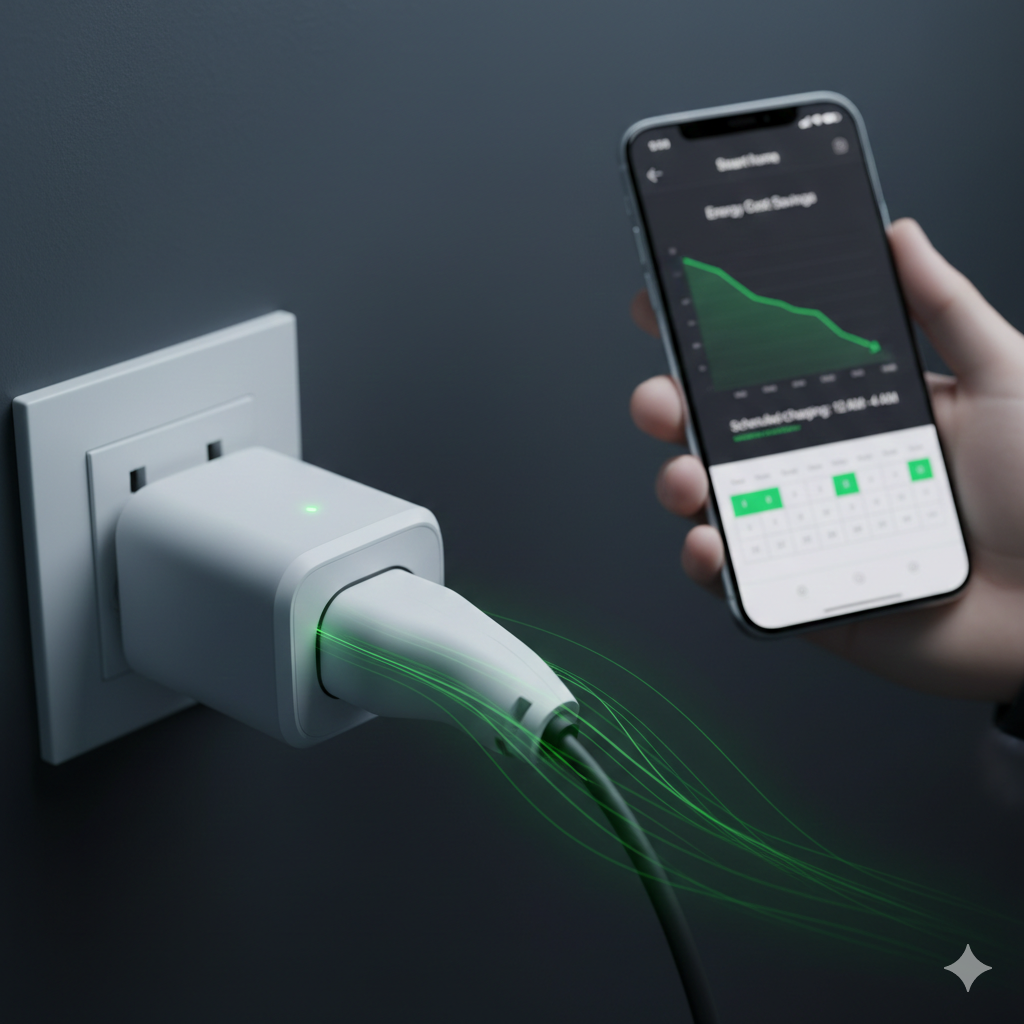
📶 Smarter Connections & ⚡ Smarter Savings
If you’re interested in making your smart home more reliable and cost‑efficient, there are two guides that naturally build on what you’ve just read. Our Wi‑Fi Range Extenders That Actually Improve Smart Home Reliability (UK Guide) shows how to keep every device connected without frustrating dropouts, especially in homes with thick walls or garden offices. Meanwhile, The Ultimate Automation Combo: Smart Plugs + Sensors + Bulbs (How to Maximise Savings) dives deeper into how these devices work together to cut bills automatically. Browsing through these next reads will help you strengthen both the backbone of your smart home network and the automation routines that save you money every day.
Conclusion: Beat Peak Prices With Smart Scheduling
Smart plug scheduling is one of the most effective ways to cut energy bills in UK homes. By shifting everyday appliances — from washing machines and dishwashers to heaters and dehumidifiers — into off‑peak hours, you can unlock savings that add up to hundreds of pounds each year. The best part is that once you’ve set up schedules, the system runs quietly in the background, making your home more efficient without you needing to change your routine.
The next step is choosing the right smart plug for your household. If you want reliability and accurate energy monitoring, the TP‑Link Tapo P110 Smart Plug is a strong starting point. Families who want to automate multiple rooms at once may prefer the ANTELA 4‑Pack, while those already invested in Philips Hue will find the Philips Hue Smart Plug integrates seamlessly.
Browsing through the options above will help you match the right product to your lifestyle — whether that’s budget‑friendly monitoring, multi‑room coverage, or premium integration. Start with one plug on a high‑use appliance like your washing machine or dishwasher, and you’ll quickly see how smart scheduling turns into real savings. Over time, expanding your setup across more devices will only multiply those benefits.
Learn how to monitor and control electricity use in every room with the Smart Energy Monitors & Plugs Hub from smart plugs to power meters and automation tips that lower your bills.
For accurate UK energy information straight from the regulator, Ofgem provides clear explanations on tariffs, prices, and consumer rights.
https://www.ofgem.gov.uk/

About The Author – Andrew Marshall
Andrew Marshall is a Scottish homeowner and the creator of Save Wise Living. He shares practical ways to reduce energy bills, improve home efficiency, and make everyday household routines cheaper and simpler.