
Smart plugs are one of the most useful smart home devices for UK households. They make it easy to automate appliances, track energy use, and reduce bills. But like any connected technology, smart plugs can sometimes misbehave. Connection problems, load errors, and offline issues are among the most common frustrations.
This comprehensive troubleshooting guide explains why smart plugs fail, how to fix them quickly, and how to prevent future problems. By the end, you’ll know exactly how to keep your smart plugs reliable and safe — and which models are best for UK homes.
✍️ Author Insight – Andrew M
The smallest change that made the biggest difference in my own home was simply moving one smart plug closer to the router. I used to think the plug itself was faulty because it kept dropping offline, but it turned out the Wi‑Fi signal was just too weak through a thick wall. That one adjustment solved the problem instantly, and most people don’t realise how often “plug issues” are really just placement issues. It’s a quick fix that saves hours of frustration.
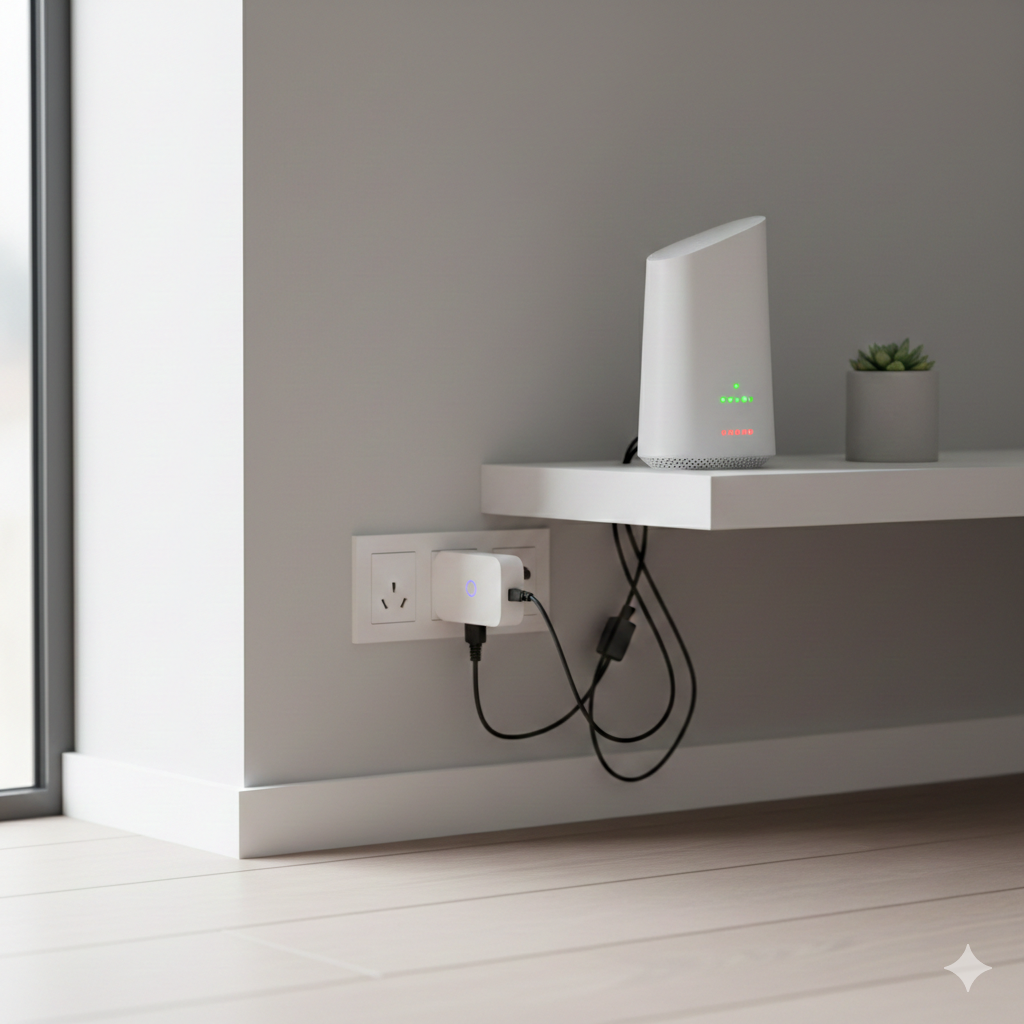
Why Smart Plugs Fail
Smart plugs sit between your appliance and the wall socket, giving you control through an app or voice assistant. They rely on Wi‑Fi, firmware updates, and safe load handling. When any of these fail, problems occur.
The most common issues include:
- Connection problems: The plug won’t connect to Wi‑Fi or keeps dropping offline.
- Load errors: The plug struggles with high‑power appliances or shuts down unexpectedly.
- Offline issues: The plug shows as “offline” in the app even though it’s powered.
Connection Problems (Wi‑Fi & Setup Issues)
Common Causes
- Weak Wi‑Fi signal in the room.
- Router using 5GHz instead of 2.4GHz (most plugs only support 2.4GHz).
- Incorrect password or router settings blocking new devices.
- Too many devices connected to the router.
Quick Fixes
- Check Wi‑Fi band: Ensure your router is broadcasting 2.4GHz. Many UK routers default to dual‑band, so split the network if needed.
- Move closer to the router: Thick walls in UK homes often block signals. Plug the device in nearer to the router during setup.
- Restart router and plug: A simple reset often clears temporary glitches.
- Limit devices: Disconnect unused devices if your router is overloaded.
- Use a Wi‑Fi extender: For garden offices, lofts, or garages, extenders can dramatically improve reliability.
Load Errors (Appliance Compatibility & Safety)
Smart plugs are not designed to handle every appliance. Each plug has a maximum load rating, usually 13A in the UK. Exceeding this can cause shutdowns or safety risks.
Appliances That Commonly Trigger Load Errors
- Electric heaters.
- Tumble dryers.
- Kettles.
- High‑wattage ovens or hobs.
How to Fix Load Errors
- Check the rating: Compare the plug’s maximum wattage with the appliance’s draw.
- Avoid high‑load devices: Use smart plugs for lamps, TVs, routers, dehumidifiers, and other low‑power devices.
- Smart extension leads: For multiple low‑power devices, extension leads with built‑in smart control are safer.
- Safety first: Never force a plug to handle more than it’s rated for.
Appliance Wattage vs Smart Plug Load Table
| Appliance | Typical Wattage | Safe for Smart Plug? |
|---|---|---|
| LED Lamp | 10–20W | ✅ Safe |
| Wi‑Fi Router | 10–30W | ✅ Safe |
| Dehumidifier | 200–400W | ✅ Safe |
| Washing Machine | 500–2000W | ⚠ Sometimes (check rating) |
| Electric Heater | 1500–3000W | ❌ Not safe |
| Kettle | 2000–3000W | ❌ Not safe |
Offline Issues (App & Cloud Glitches)
Sometimes a smart plug appears “offline” in the app even though it’s powered. This is usually a software or cloud issue rather than a hardware fault.
Common Causes
- Temporary cloud service outage.
- Outdated firmware.
- Router IP conflicts.
- App bugs.
Quick Fixes
- Restart router and plug: Clears temporary conflicts.
- Update firmware: Check the plug’s app for updates.
- Check cloud status: Some brands experience outages — search online to confirm.
- Re‑pair the plug: Remove it from the app and add it again.
- Choose plugs with offline control: Some models allow manual scheduling even if the cloud is down.
Reset & Re‑Pair — The Universal Fix
If all else fails, resetting the plug is often the fastest solution.
How to Reset
- Hold down the physical button until the LED flashes.
- Unplug and re‑insert the device.
- Open the app and re‑add the plug.
This clears old settings and gives you a fresh start. Most apps will restore saved schedules once the plug is re‑paired.
Preventing Future Problems
Troubleshooting is useful, but prevention is better. Here are ways to avoid recurring issues:
- Strong Wi‑Fi coverage: Place plugs where the signal is reliable.
- Avoid overloads: Stick to low‑power appliances.
- Keep apps updated: Firmware updates often fix bugs.
- Use surge protection: Protect sensitive electronics from power spikes.
- Choose plugs with monitoring: Energy monitoring helps you spot problems early.
Tips for Smart Plug Troubleshooting
To make this guide more useful for readers searching online, here are key points that improve SEO performance:
- Use the focus keyword “smart plug troubleshooting UK” naturally throughout the article.
- Include runner‑up keywords like “smart plug connection issues,” “smart plug load errors,” “smart plug offline problems,” “fix smart plug fast,” and “smart plug reset guide UK.”
- Provide clear headings and subheadings with keywords.
- Add tables and lists for readability.
- Keep sentences concise and informative.
💡 Smarter Scheduling & ⚙️ Deeper Automation
If you’ve explored how smart plugs, sensors, and bulbs work together to maximise savings, the next step is learning how timing transforms those savings. Our Smart Plug Scheduling Secrets: The Peak vs Off‑Peak Energy Battle in UK Homes explains how shifting appliances into cheaper off‑peak hours can cut bills dramatically. Browsing these guides side by side helps you move from building automation routines to fine‑tuning them for maximum efficiency and cost control.
⚡ Automation Layers & 🕒 Energy Timing
If you’ve discovered how off‑peak scheduling slashes energy costs, the next step is expanding automation beyond plugs alone. Our The Ultimate Automation Combo: Smart Plugs + Sensors + Bulbs (How to Maximise Savings) shows how layering devices multiplies your savings and convenience. Browsing these guides together helps you progress from smart scheduling to full‑scale automation, creating a home that’s both efficient and effortless.
Choose the Right Smart Plug for Reliability
Smart plugs are powerful tools for UK households, but they work best when matched to the right appliances and supported by strong Wi‑Fi. Most problems — whether connection issues, load errors, or offline glitches — can be solved quickly with resets, firmware updates, or better placement.
If you’re looking for a reliable option that balances easy scheduling, energy monitoring, and strong UK safety standards, the TP‑Link Tapo P110 Smart Plug is one of the best choices available. It’s robust enough for everyday appliances, offers clear energy usage data, and integrates smoothly with Alexa and Google Assistant.
Starting with a dependable model like this will save you countless troubleshooting headaches and give you confidence that your smart home setup is built on solid foundations.
Learn how to monitor and control electricity use in every room with the Smart Energy Monitors & Plugs Hub from smart plugs to power meters and automation tips that lower your bills.
For official, trusted UK advice on reducing energy use, the Energy Saving Trust has clear, practical guidance on saving electricity at home.
https://energysavingtrust.org.uk

About The Author – Andrew Marshall
Andrew Marshall is a Scottish homeowner and the creator of Save Wise Living. He shares practical ways to reduce energy bills, improve home efficiency, and make everyday household routines cheaper and simpler.