
Smart lighting automation is one of the most practical upgrades for UK households. Whether you’re trying to reduce energy bills, improve home security, or simply make life more convenient, combining motion sensors with smart plugs offers a flexible, renter-friendly way to control lighting without rewiring your home.
This guide walks you through how to automate lighting using motion sensors and smart plugs — step by step — with UK-specific advice on setup, product selection, and real-world use cases.
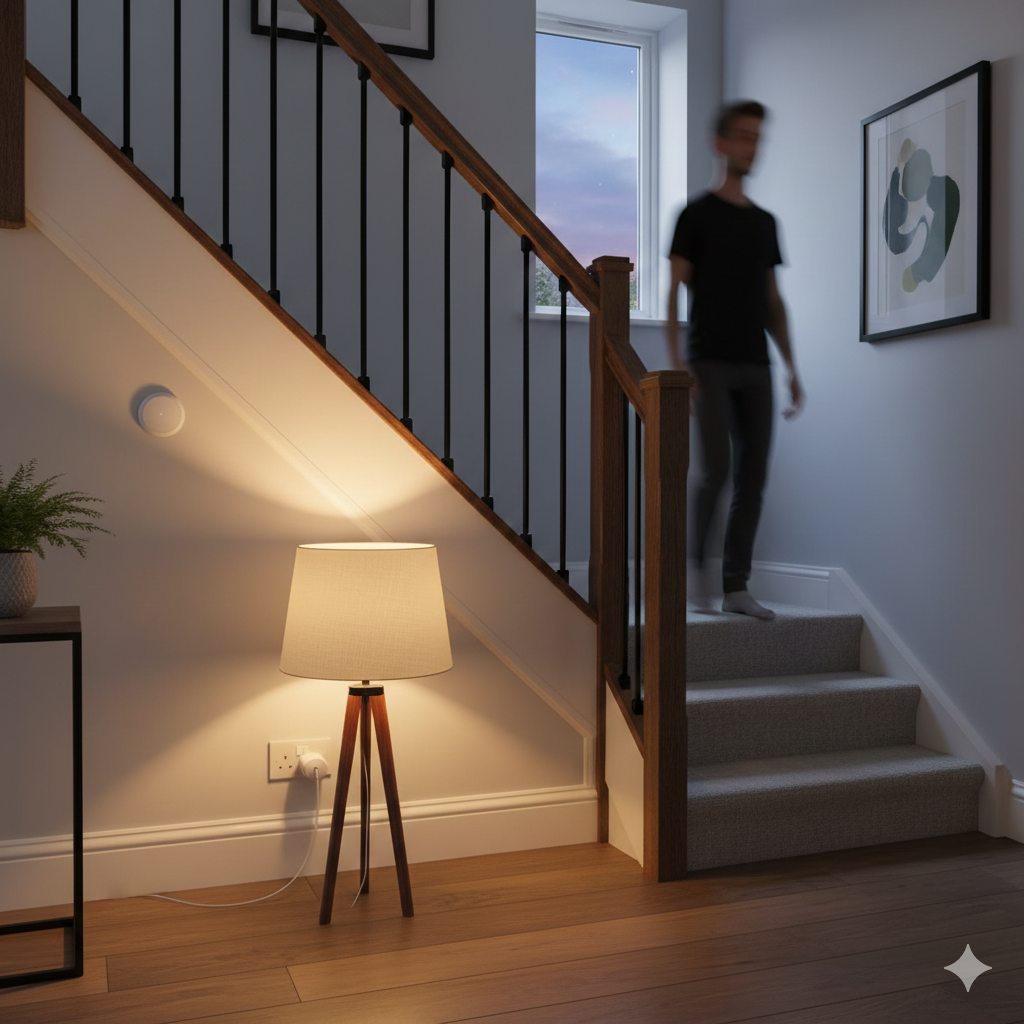
✍️ Author Insight – Andrew
When I first set up motion-triggered lighting in my hallway, I kept forgetting to adjust the timer — the lamp stayed on far longer than needed. The simple fix was setting a 3‑minute auto‑off routine, which balances safety with energy savings. In UK homes where bills are climbing, that small tweak makes a big difference. If you only do one thing, do this: set a sensible timer so your lights don’t waste power when nobody’s around.
Why Automate Lighting in the UK?
Lighting automation isn’t just about tech — it solves everyday problems in British homes:
- Energy savings: Lights only turn on when needed, ideal for rising UK energy costs.
- Security: Motion-triggered lighting deters intruders and improves visibility around entryways.
- Convenience: No more fumbling for switches in dark hallways or stairwells.
- Adaptability: Works in older buildings, rentals, and small flats without needing rewiring.
- Seasonal comfort: Early sunsets and gloomy weather make automated lighting a real asset.
What You’ll Need to Get Started
To automate lighting with motion sensors and smart plugs, you’ll need:
- Smart plug: A Wi-Fi plug that can be controlled via app, voice assistant, or automation.
- Motion sensor: Detects movement and triggers actions (battery-powered or mains).
- Lamp or light fixture: Plugged into the smart plug.
- Smart home app: Usually from the plug brand (e.g. Tapo, Meross, Kasa) or a platform like Alexa or Google Home.
Optional:
- Smart bulb: If you want dimming or colour control.
- Hub or bridge: Some sensors (like Zigbee) require a hub.
🧠 Smart Plug vs Smart Bulb: Which Is Better for Lighting Automation?
When automating lighting, many UK homeowners wonder whether to use a smart plug with a lamp or replace the bulb with a smart one. Both options work well, but they suit different needs:
| Feature | Smart Plug + Lamp | Smart Bulb |
|---|---|---|
| Setup | Plug and play | Requires bulb replacement |
| Dimming | Depends on lamp | Built-in |
| Colour control | No | Yes (RGB or tunable white) |
| Cost | Lower | Higher |
| Flexibility | Use any lamp | Limited to bulb socket |
Verdict: Smart plugs are ideal for renters, older homes, and simple setups. Smart bulbs offer more control but require compatible fixtures. For motion-triggered lighting, plugs are often easier to manage — especially in hallways, stairwells, or utility rooms.
Step-by-Step: How to Automate Lighting With Motion Sensors & Smart Plugs
🔌 Step 1: Choose a Smart Plug That Works in the UK
Look for:
- UK 3-pin plug format
- Wi-Fi connectivity
- Alexa or Google Assistant compatibility
- App control with automation features
Popular UK options include:
- TP-Link Tapo P100
- Meross Smart Plug
- Amazon Smart Plug
Avoid plugs that require a hub unless you already use one.
🚶 Step 2: Pick a Motion Sensor That Suits Your Space
You’ll need a sensor that:
- Detects motion reliably
- Has good battery life or mains power
- Works with your smart plug’s ecosystem
Options:
- Wi-Fi motion sensors (e.g. Tapo T100) — easy setup, direct app control.
- Zigbee motion sensors (e.g. Aqara, Philips Hue) — require a hub but offer fast response.
- PIR sensors — ideal for hallways, stairs, and outdoor use.
Mount the sensor at chest height, angled to cover the area you want to monitor.
📱 Step 3: Connect Devices in the App
Use the brand’s app or Alexa/Google Home to:
- Add your smart plug and motion sensor
- Name them clearly (e.g. “Hall Lamp” and “Hall Sensor”)
- Test each device manually to confirm they’re working
⚙️ Step 4: Create an Automation Routine
This is where the magic happens. In your app:
- Trigger: Motion detected by sensor
- Action: Turn on smart plug (which powers the lamp)
- Optional: Set a timer to turn off after X minutes
Example:
“When Hall Sensor detects motion, turn on Hall Lamp. Turn off after 5 minutes.”
You can also add conditions:
- Only trigger between 6pm and 7am
- Only trigger if ambient light is low
🧪 Step 5: Test and Tweak
Walk through the space and test the automation:
- Does the light come on quickly?
- Does it stay on long enough?
- Is the sensor positioned correctly?
Adjust sensitivity, delay, and placement as needed. Most apps let you fine-tune these settings.
Where to Use Motion Sensor + Smart Plug Lighting in UK Homes
Here are practical UK-specific locations where this setup works brilliantly:
- Hallways: Lights turn on automatically when you walk through.
- Staircases: Prevent trips and falls in dim lighting.
- Bathrooms: Ideal for night-time visits without harsh overhead lights.
- Porches & entryways: Boost security and visibility.
- Utility rooms or garages: Lights only activate when needed.
- Children’s rooms: Soft lighting triggered by movement.
Tips for UK Homes, Rentals & Older Properties
- No rewiring needed: Perfect for renters or older homes with fixed switches.
- Use adhesive mounts: Avoid drilling into walls.
- Battery-powered sensors: Easier to place anywhere.
- Smart plug + lamp combo: Lets you keep existing fixtures and bulbs.
- Use Alexa routines: Combine multiple actions (e.g. turn on light + send notification).
Common Mistakes to Avoid
- Using incompatible devices: Check that your sensor and plug work within the same ecosystem.
- Poor sensor placement: Avoid pointing directly at windows or heat sources.
- No delay timer: Lights may stay on too long or turn off too quickly.
- Overcomplicating routines: Start simple, then layer in conditions.
Cost Breakdown (Typical UK Setup)
| Item | Approximate Cost |
|---|---|
| Smart Plug | £10–£20 |
| Motion Sensor | £15–£30 |
| Lamp or Light | £10–£40 |
| Optional Smart Bulb | £10–£25 |
| Total Setup | £35–£90 |
This setup is scalable — add more sensors and plugs as needed.
📦 Recommended Smart Plugs & Motion Sensors (UK Picks)
Here are top-rated products available in the UK that work well together:
- TP-Link Tapo P100 Smart Plug
- Compact, reliable, works with Alexa and Google
- Great app interface and automation options
- Tapo T100 Motion Sensor
- Battery-powered, integrates with Tapo ecosystem
- Adjustable sensitivity and fast response
- Meross Smart Plug (UK 3-pin)
- Budget-friendly, Alexa-compatible, no hub needed
- Ideal for lamps and small appliances
These devices are easy to set up, work well in UK homes, and support the kind of automation routines covered in this guide.
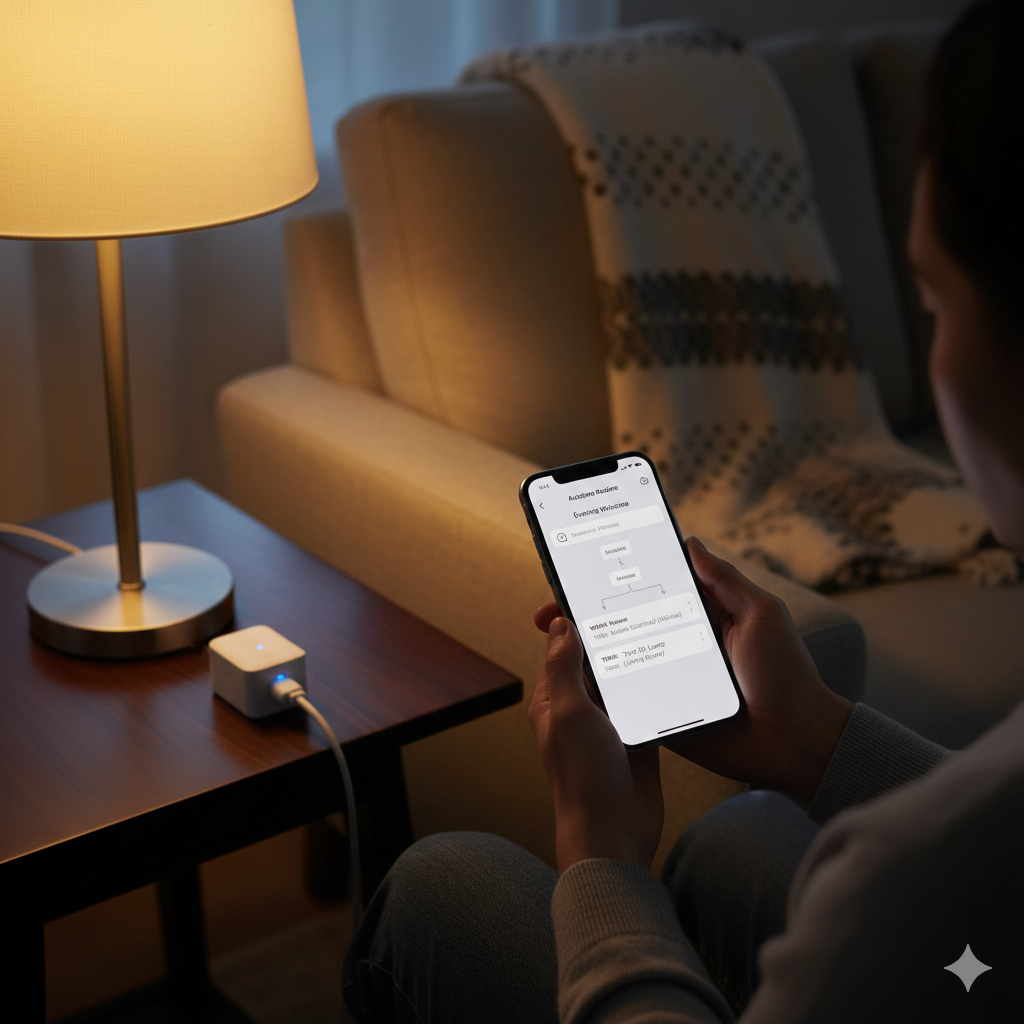
🧰 Troubleshooting Tips for UK Homes
Even the best smart lighting setups can run into hiccups. Here’s how to fix common issues:
- Motion sensor not triggering: Check battery level, reposition sensor, and confirm it’s within Wi-Fi or hub range.
- Lights staying on too long: Adjust the timer setting in your app — 2 to 5 minutes is usually ideal.
- Wi-Fi dropouts: Use a Wi-Fi extender in older UK homes with thick walls or awkward layouts.
- App routines not syncing: Restart devices and recheck automation logic. Sometimes a simple rename helps.
- False triggers near windows: Angle sensors away from direct sunlight or heat sources.
These quick fixes keep your smart lighting reliable and frustration-free.
🔗 Next Reads — 💡 Smarter Lighting Options
Smart plugs and motion sensors are just the beginning of a connected home. If you’re ready to expand, explore our guide to Best Smart Ceiling Lights UK (Alexa & App Controlled Options) for overhead lighting that integrates seamlessly, and Best Smart Light Strips UK (For Under Cabinets & TVs) to add ambience and practical illumination in kitchens and living rooms. Together, these upgrades create a complete smart lighting ecosystem.
🏁Smarter Lighting Made Simple for UK Homes
Automating lighting with motion sensors and smart plugs is more than a tech upgrade — it’s a practical solution tailored to everyday UK living. From saving money on rising energy bills to making hallways safer on dark winter evenings, this setup delivers convenience, security, and efficiency without the need for rewiring.
The beauty of this approach is its flexibility. Renters can install it without altering fixtures, families can expand it room by room, and homeowners can integrate it into wider smart home routines. By starting with a single smart plug and sensor, you’ll quickly see how automation transforms daily life — lights that respond when you move, switch off when you don’t, and adapt to the rhythm of your household.
Whether you’re tackling awkward switch placement in an older property, brightening staircases for safety, or adding peace of mind at the front door, motion‑triggered smart lighting is a small change with a big impact. It’s affordable, scalable, and perfectly suited to UK homes.
In short: smart plugs and motion sensors make lighting effortless, efficient, and future‑ready — a simple step toward a smarter, more comfortable home.
Brighten your home and lower your bills with the Smart Home Tech & Lighting Hub explore smart bulbs, motion sensors, and rechargeable gadgets that make efficiency easy.
For official, trusted UK advice on reducing energy use, the Energy Saving Trust has clear, practical guidance on saving electricity at home.

About The Author – Andrew Marshall
Andrew Marshall is a Scottish homeowner and the creator of Save Wise Living. He shares practical ways to reduce energy bills, improve home efficiency, and make everyday household routines cheaper and simpler.