
Last Updated: 14th March 2026
A large television costs hundreds of pounds. A decent projector under £60 can throw an image across an entire wall. That’s the appeal in one sentence — and for family movie nights, bedroom streaming, or watching the match with mates, it’s a genuinely compelling proposition if you go in with the right expectations.
Those expectations matter here more than with almost any other product category. Budget projectors under £60 are not miniature versions of £500 home cinema setups. They have real limitations — brightness, native resolution, sound quality — and understanding those limitations before buying is the difference between a purchase you’re happy with and one that ends up in a drawer.
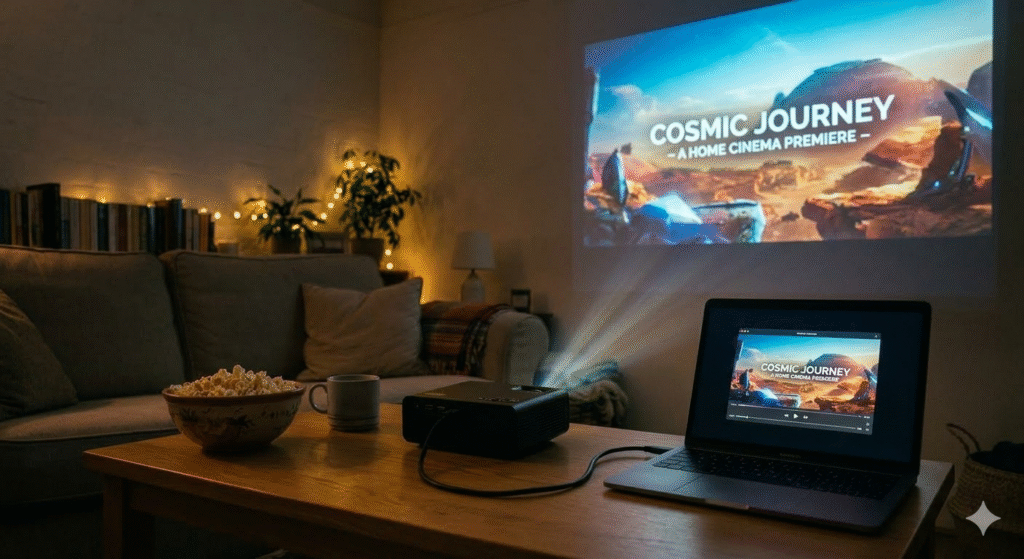
We have one set up permanently in the living room and a smaller one that travels. The difference a projected image makes to a family film night compared to crowding around a laptop is significant enough to justify even a modest spend — and at this price point the bar for justifying the purchase is low. A budget projector also draws significantly less electricity than a large television for the same viewing session — which makes it one of the few home entertainment upgrades that costs less to run than what it replaces. Everything else we use to get more from our home tech without overspending is in our Everyday Tech Savings Hub.
What You Need to Know Before Buying
The lumens problem
Every budget projector under £60 will advertise brightness in the thousands — 12,000 lumens, 14,000 lumens, 15,000 lumens. These are marketing figures, not real measured brightness. The industry standard is ANSI lumens, and a genuine sub-£60 projector produces somewhere between 50 and 150 ANSI lumens in real terms.
That’s not a small discrepancy. It doesn’t make these projectors useless, but it does mean they need a dark room to produce a good image. In daylight or a well-lit room, the picture will wash out. In a properly darkened room — curtains drawn, lights off — the image can be genuinely impressive for the price. Knowing this upfront prevents disappointment.
Native resolution vs supported resolution
Most budget projectors in this price range have a native resolution of 720p or lower, despite claiming “Full HD support” or “1080p compatible.” What this means in practice is that the projector accepts a 1080p signal from your phone or streaming device but displays it at a lower native resolution. The image is still watchable — often very watchable in a dark room on a large throw — but it won’t match the sharpness of a TV at the same resolution.
Netflix and streaming apps
This catches a lot of buyers out. Due to digital rights management, Netflix and Amazon Prime Video don’t stream directly from most phones to a projector via screen mirroring. The reliable solution is a budget streaming stick — a Fire Stick, Roku, or Chromecast — connected via HDMI. Once you have one, every streaming service works without issue and setup takes minutes.
Throw distance and image size
Most budget projectors need to be positioned roughly 2–3 metres from the wall to produce a usable image size. Check the throw ratio in the product specs before buying — and measure your room. A projector that needs 3 metres of throw distance won’t work well in a small bedroom.
Sound quality
Built-in speakers on budget projectors are functional but thin. For film watching and anything where sound matters, connecting a budget soundbar or external speaker via Bluetooth or the audio out port makes a significant difference to the overall experience.
The Products: What’s Actually Available Under £60
All five products below are currently available on Amazon UK. Prices were checked at time of writing — confirm current pricing before purchasing as budget tech listings fluctuate.
1. XuanPad Mini Projector — around £59.99
Best for: living rooms and bedrooms where versatility and wide device compatibility are the priority.
The XuanPad is consistently one of the highest-rated sub-£60 projectors on Amazon UK and it earns that position through genuine reliability rather than marketing. The 200-inch maximum projection range is the headline figure — in a standard living room at 2.5 metres you’ll get a usable 100–120 inch image, which is impressive for the price.
The wide device compatibility is the practical standout. HDMI, USB, 3.5mm audio out, and screen mirroring all work reliably — meaning it connects to Fire Sticks, Roku devices, laptops, and most Android phones without fuss. The manual focus wheel is straightforward and the keystone correction handles walls that aren’t perfectly square.
What it does well: versatility, ease of setup, and a genuinely large image in a dark room. What to be realistic about: the native resolution is 720p and the built-in speakers are functional rather than impressive. For casual film watching and sport with the lights down, it delivers well above its price point. Ours has been on the living room shelf for two years and the only maintenance it’s needed is an occasional dust. At this price point that longevity is not guaranteed — it’s a pleasant surprise.
Worth noting: like all projectors in this category, it performs best with the room properly darkened. The advertised 14,000L brightness figure is a marketing number — in real ANSI lumen terms this is a dark-room projector, not a daylight one.
2. Visspl WiFi Bluetooth Projector — around £39.99
Best for: households juggling multiple devices who want the simplest possible wireless setup.
The Visspl earns its place at this price point primarily through its WiFi and Bluetooth connectivity. WiFi 6 support means wireless streaming from phones and tablets is noticeably smoother than on older WiFi 4 projectors — less buffering, faster connection, more reliable picture. The dual stereo speakers are better than most in this category, which reduces the immediate need for external audio.
The Full HD input support and wide aspect ratio compatibility make it flexible across different content types — films, sport, YouTube, presentations. Setup is genuinely straightforward and the remote is clear and intuitive.
Where it sits in the range: the Visspl is the best choice for households that want wireless convenience over image size. The throw isn’t as large as the XuanPad at equivalent distances, but for bedroom use or smaller living spaces it’s a practical and well-priced option. The Bluetooth audio pairing works consistently, which is more than can be said for some competitors.
3. YOTON Y3 Mini Projector — around £29.90
Best for: portability — camping trips, garden screenings, campervan use, and anyone who needs a projector that genuinely travels.
The YOTON Y3 is the portable pick on this list. It weighs less than most water bottles, fits in a jacket pocket, and connects directly to iPhones via Lightning without needing a separate adapter — a practical detail that most mini projectors get wrong. The 50% zoom function gives flexibility on throw distance that fixed-zoom budget projectors don’t offer.
For outdoor use and travel, the combination of small size, direct iPhone connection, and reasonable battery-adjacent power draw make this the right choice. For a permanent living room setup, the XuanPad or Visspl are better options — the Y3 trades image size and brightness for portability.
The image is watchable in a dark garden or a tent on a clear night. It’s not a home cinema replacement — it’s a genuinely portable projector that does its specific job well at a price that makes it easy to justify as a secondary device. We took one to a family weekend in Argyll and the kids watched a film projected onto the side of the tent. It worked exactly as advertised.
4. XGODY Gimbal 3 Projector — around £41.99
Best for: households who want Android TV built in and don’t want to rely on a separate streaming stick.
The XGODY Gimbal 3 is the most self-contained option on this list. The built-in Android TV means you access streaming apps directly through the projector’s interface without needing a Fire Stick or Roku — a meaningful convenience advantage for straightforward setups.
The gimbal design — a rotating spherical base — is a practical feature rather than a gimmick. It allows easy angle adjustment without needing a tripod or a stack of books, which matters for ceiling projection or awkward room layouts.
Important caveat: Android TV on budget projectors doesn’t always support every streaming app perfectly due to DRM restrictions — Netflix in particular can be problematic on non-certified Android TV devices. Amazon Prime Video and Disney+ tend to work more reliably. For Netflix-heavy households, a separate streaming stick remains the more reliable solution regardless of what the product listing states.
For general streaming, YouTube, and casual use without extra peripherals, the XGODY Gimbal 3 offers the most plug-and-play experience in this price range.
5. Einyoumily 15000L Mini Projector — around £33.99
Best for: the lowest entry point on this list — a functional projector for occasional use where spending as little as possible is the priority.
The Einyoumily is the budget baseline. At under £35 it’s the cheapest confirmed-functional projector on Amazon UK with consistent reviews, and it delivers the core proposition — a large projected image in a dark room — at a price that’s genuinely low-risk.
The 15,000L brightness claim follows the same pattern as all projectors in this category — it’s a marketing number. In a dark room the image is watchable and the projection size is reasonable. HDMI and USB connectivity work as described and the setup is simple.
Where it falls short relative to the others: build quality is more basic, the speaker is thin, and the native resolution is lower than the XuanPad or Visspl. For occasional use — a film now and then, a presentation, a one-off garden screening — it’s a reasonable purchase. For regular use, spending the extra £25 on the XuanPad is worth it.
Getting the Best Picture From a Budget Projector
Room setup makes more difference than the projector itself
A £60 projector in a properly dark room with a light-coloured flat wall will outperform a £200 projector in a lit room. Closing curtains, turning off ambient lights, and choosing a smooth white or light grey wall is the single most effective upgrade available at zero cost.
Distance and height
Position the projector at roughly the height of the centre of your intended image — a tripod helps significantly here and basic ones cost under £15. At 2 metres from the wall most budget projectors produce a 60–80 inch image. At 3 metres, 90–120 inches. Measure the distance before setting up rather than adjusting on the fly.
Keystone correction
Most budget projectors include manual keystone correction — the adjustment that fixes the trapezoid distortion that happens when the projector isn’t perfectly level with the wall. Spend two minutes getting this right at setup and the image will be noticeably sharper and more rectangular.
Audio
Built-in speakers on every projector under £60 are functional at best. Connecting a budget smart speaker or portable Bluetooth speaker transforms the audio experience without significant additional cost — and for film watching, audio quality affects perceived enjoyment as much as picture quality does.
Fire Stick vs built-in Android TV
For most households, a budget streaming stick connected via HDMI is the most reliable streaming solution regardless of whether the projector has built-in smart features. Fire Stick, Roku, and Chromecast all handle DRM correctly and support every major streaming service without the compatibility issues that budget Android TV projectors sometimes encounter.
How Much Does a Budget Projector Cost to Run?
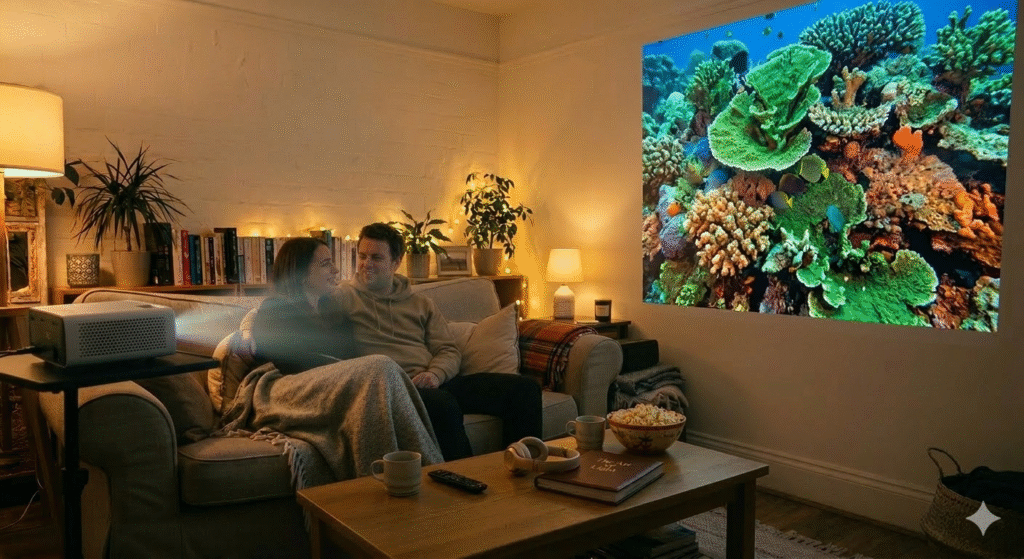
A typical budget mini projector draws between 30 and 60 watts during use. At the current UK electricity rate of approximately 24p per kWh, a two-hour film costs roughly 1.5–3p in electricity. Over a year of regular use that’s genuinely negligible — considerably less than a large television, and a fraction of the running cost of older plasma screens.
If energy efficiency across your home tech matters, projectors compare favourably to large televisions on running costs. A 55-inch TV typically draws 80–120 watts. A budget projector drawing 50 watts for the same viewing session uses meaningfully less electricity for a significantly larger image. Our guide to smart TVs under £300 covers the energy-rated television options if you’re weighing up both.
Netflix, Streaming, and the DRM Issue — Explained Properly
The most common complaint about budget projectors in Amazon reviews is “Netflix doesn’t work.” Here’s why and how to fix it.
Netflix uses Widevine DRM to protect content. Devices without Widevine Level 1 certification — which includes most budget projectors — can only stream Netflix at low resolution or not at all when using screen mirroring. The fix is simple: connect a Fire Stick, Roku Streaming Stick, or Chromecast to the projector’s HDMI port. These devices are all Widevine certified, and Netflix, Prime Video, Disney+, and every other service streams at full quality through them without any issues.
The XGODY‘s built-in Android TV may handle some services directly, but for guaranteed compatibility across all streaming platforms, a dedicated streaming stick remains the reliable solution.
Frequently Asked Questions
Do I need a projector screen? Not necessarily. A smooth, flat, white or light grey wall works well for casual use. A dedicated projector screen improves contrast and sharpness — basic pull-up screens are available for under £25 on Amazon and make a noticeable difference if you use the projector regularly.
Can I use a budget projector outdoors? Yes, with the right conditions. Darkness is essential — even a bright moon reduces the perceived image quality. The YOTON Y3 is the most practical option for outdoor and portable use. A power bank with sufficient output can power smaller models without a mains connection.
Will a budget projector work for gaming? For casual gaming, yes. Input lag on budget projectors is generally higher than on televisions, which matters for fast-paced competitive games but less so for slower games, RPGs, or anything single-player. For serious gaming, a television with a low-lag game mode is the better choice.
How long do budget projector bulbs last? LED light sources on modern budget projectors are typically rated for 30,000–50,000 hours. At two hours of use per day, that’s 40+ years of rated lifespan. Bulb replacement is not a practical concern with LED-sourced projectors at this price point.
What’s the best surface to project onto? A smooth, flat, matte white wall. Textured walls, coloured walls, and glossy surfaces all reduce image quality. A white bedsheet pulled flat works as an emergency screen. A proper projector screen with gain coating produces the best results of any surface at this price range.
Which Projector Should You Buy?
For most households setting up a regular living room or bedroom projection setup, the XuanPad is the pick. The combination of image size, device compatibility, and consistent reviews makes it the most reliable choice at the top of this budget.
For wireless convenience and better built-in audio, the Visspl at £39.99 is the value standout — particularly for smaller spaces and households that want to avoid cables.
For portability and travel, the YOTON Y3 does its specific job better than anything else at this price point. It’s not a home cinema replacement — it’s a genuinely pocketable projector for outdoor and travel use.
For a self-contained setup without a separate streaming stick, the XGODY Gimbal 3 is the most plug-and-play option. Be realistic about Netflix limitations unless you add a streaming stick.
For the lowest possible entry point and occasional use, the Einyoumily at £33.99 is functional, low-risk, and easy to justify as a first projector.
Whatever you choose, the key is the room setup. Dark room, flat white wall, correct throw distance, external audio source. Get those four things right and any projector on this list will produce a genuinely enjoyable big-screen experience for a fraction of what a large television costs.
Related Guides

About The Author – Andrew Marshall
Andrew Marshall is a Scottish homeowner and the creator of Save Wise Living. He shares practical ways to reduce energy bills, improve home efficiency, and make everyday household routines cheaper and simpler.