
Working from home is one of those things that sounds brilliant on paper — no commute, no office politics, no queue for the microwave at lunchtime. But once you actually settle into a routine, you start noticing the little details that don’t get talked about.
Like the fact your “home office” slowly grows from a laptop on the table… into a full-blown workstation with a monitor, second monitor, ring light, desk lamp, diffuser, printer, mini heater, phone charger, laptop charger — and all the cables that come with it.
And then, at the end of the month, your energy bill pops up and you think:
“How on earth am I using this much electricity? I literally sit at a desk.”
That was me.
And if you’ve landed on this article, I’m guessing that’s been you too.
The good news?
There’s a ridiculously simple fix that makes a big difference:
Setting up a few smart plugs — the right way.
Not in an overly techy, confusing way.
Not in a fiddly “you need to be a programmer” way.
Just a few smart automations that quietly reduce energy waste in the background… while you get on with your day.
Let’s break it down in a proper, real-world, UK-home kind of way.
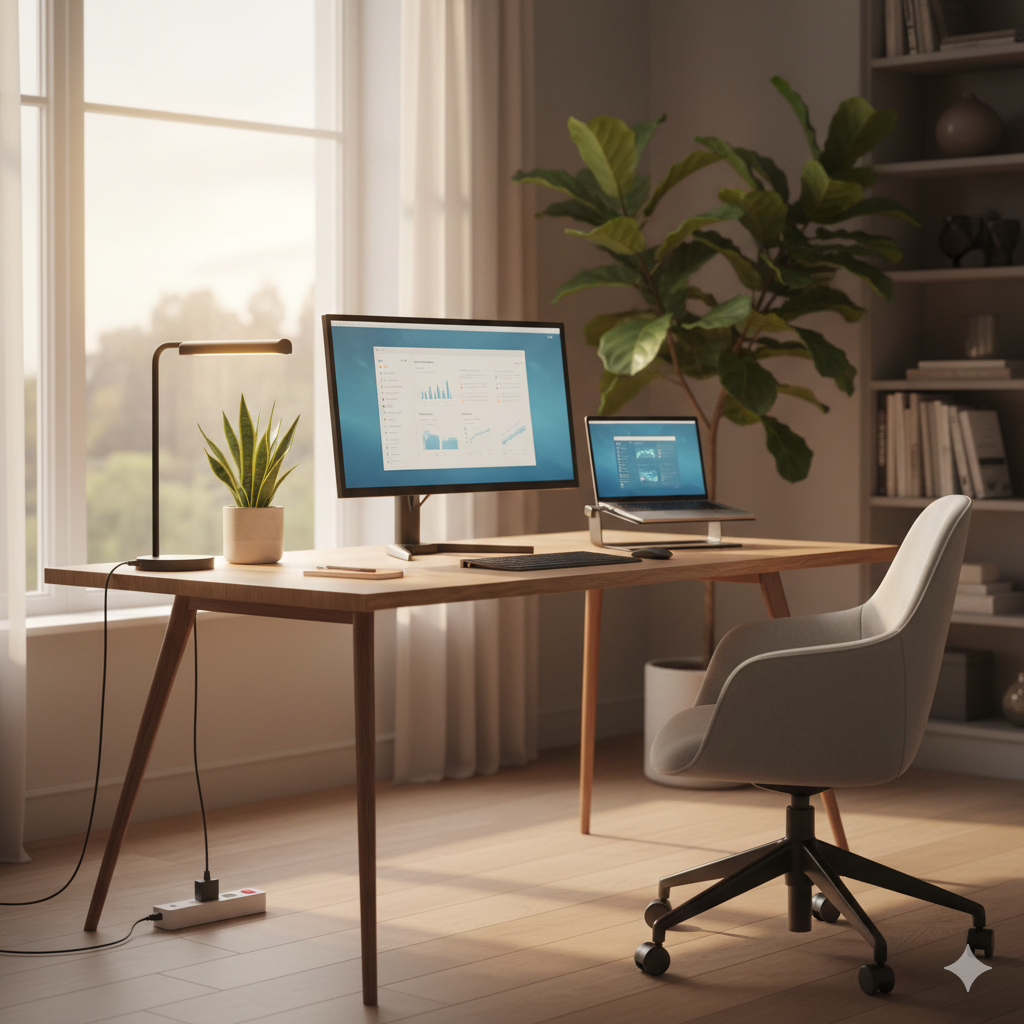
☕ The Reality of a Home Office: Everything Stays On Longer Than You Think
Here’s a very normal work-from-home day:
You start early.
You make a tea.
You warm up the room with a mini heater.
You charge your phone, then your laptop.
You turn the monitor on.
Then another monitor.
Then the ring light because the British daylight lasts seven minutes.
And somewhere between Slack messages, emails and “quick breaks”, you walk away from your desk for an hour… maybe two.
Meanwhile:
- The monitor is still on
- The charger is still warm
- The printer is still humming like it’s waiting for instructions
- The heater is sitting there like a silent saboteur of your bank balance
Home offices don’t switch themselves off.
We forget, because we’re human.
Smart plugs fix the human bit — they remember when you don’t.
🔌 Why Smart Plugs Make Sense in a Home Office
Smart plugs aren’t about “controlling your home from your phone.”
They’re about automating things you forget about.
They let you:
- Turn your whole desk off automatically at a set time
- Stop your heater running longer than intended
- Kill standby power from printers, chargers and speakers
- Warm up your workspace before you sit down — without heating the whole house
- Track what’s actually costing you money (monitors are sneaky!)
- Set “break-time shutdowns” for those long lunches
- Only power accessories when you need them
The idea isn’t to micro-manage your setup.
It’s to remove the invisible, boring energy waste that builds up day after day.
🧑💻 A Real Home Office Story (This Is Literally Me)
Because here’s the honest truth:
I write articles like this from home. Every day.Some days I’m laser-focused and flying through content.
Other days I’m moving between the desk, the sofa, the kettle, and occasionally pretending the garden counts as productivity.But my office equipment?
It used to stay on all day. And all evening.
Not because I needed it — purely because I forgot.At one point, I actually turned everything off and felt this wave of relief, like:
“Wow… my office is actually quiet when I bother to power it down.”
So I bought a couple of smart plugs.
Then a few more.
And now my home office setup runs smoother, cleaner, and feels less chaotic.It’s genuinely one of those little upgrades that changes the feel of your whole space.
⚙️ The Smart Plug Setups That Actually Work (No Tech Knowledge Needed)
These aren’t gimmicks.
These are simple, real-world routines that make a noticeable difference — especially over winter.
🌅 1. The “Morning Warm-Up” Plug
(for small heaters or heated footrests)
Your office is cold in the morning.
Instead of running the heater for an hour while you settle in:
- It switches on for 10 minutes before you start
- Then turns off automatically
- You walk into a warm room without blasting energy needlessly
It feels luxurious, honestly.
🖥 2. The “Desk Bundle Shutdown” Plug
(monitor + charger + lamp in one plug)
At a set time — say 6pm — your workstation powers down fully.
No glowing monitors.
No warm chargers.
No desk lamp shining like you’re waiting for Batman.
It’s also great if you struggle to “switch off” mentally after work.
🖨 3. The Printer Standby Slayer
Printers live in standby like it’s a personality trait.
Smart plug solution:
- Voice command: “Turn on printer.”
- Print your documents.
- Printer turns off automatically after 20–30 minutes.
Simple.
Effective.
No more humming box in the corner.
🍃 4. The “Calm Space” Plug
Desk diffuser?
Scent lamp?
LED mood lights?
Let them:
- Turn on at the start of your work session
- Turn off when you take a long break
- Switch off automatically in the evening
It creates a little ritual around your work time — surprisingly helpful for focus.
⭐ The Best Smart Plugs for Home Offices
Here’s where we mix it up.
1. TP-Link Tapo P110 (Energy Monitoring, Best Overall)
👉 If you want one smart plug you never have to think about, this is it.
Why it’s perfect for home working:
- Exceptionally accurate energy monitoring — see exactly what your desk setup costs
- Rock-solid WiFi connection that doesn’t randomly drop
- Clean, simple Tapo app that even non-techy people like
- Ideal for desk “bundles”: monitor, charger, lamp, speaker
- Great for automating heaters (within safe wattage)
Why it stands out:
The P110 feels polished in a way budget plugs don’t. Everything from the app layout to the speed of routines makes working from home feel smoother and less cluttered. It’s the safest, most dependable choice for UK home offices.
2. Woox 13A Smart Plug (Great for Heaters & High Loads)
👉 If your home office gets cold and you rely on a small heater, this is your smartest pick.
Why it excels:
- Full 13A rating — handles higher wattage without stress
- Built-in energy tracking for keeping heater costs under control
- Very stable for long-term, all-day use
- Great value in multi-pack bundles
- Alexa & Google compatible
Why this one matters for UK homes:
Most smart plugs aren’t designed for the bursty, high-watt nature of desk heaters. This one is. If you use a mini heater to get through winter workdays, Woox is a far safer and more practical choice than most budget plugs.
3. Meross HomeKit Smart Plug (For Apple Users)
👉 A seamless, premium-feeling plug for people who love clean design and fast automations.
Why it’s great for home offices:
- Works flawlessly with Apple HomeKit, Siri, and iPhone routines
- Extremely quick response times — feels instant
- Ideal for lamps, monitors, diffusers, chargers, printers
- Very stable long-term compared to cheaper smart plugs
- Sleek design that blends into minimalist setups
Why it adds something unique:
Most UK smart plugs revolve around Alexa. If you’re an Apple user, this one makes your workspace feel properly integrated. You can say “Hey Siri, start work mode” and watch your whole setup come alive.
4. ANTELA Smart Plug with Energy Monitoring (Great Value Multi-Pack for Busy Desks)
👉 A brilliant all-rounder if you want multiple plugs without spending a fortune.
Why it’s ideal for home offices:
- Energy monitoring built in — track how much your heaters, lamps or chargers actually use
- Very responsive app (Smart Life), simple setup
- Works with Alexa & Google for voice-controlled routines
- Excellent price for a 4-pack — perfect if your desk has several devices
- Surprisingly reliable for a budget-friendly brand
What makes it different:
This is the plug you choose when you want to automate multiple office gadgets at once — your lamp, charger, monitor, diffuser, or even your standby-heavy printer.
It’s one of the best ways to smarten up an entire workspace without paying Tapo/Kasa prices.
5. Eightree Smart Plug with Energy Monitoring (Simple, Clean, and Very User-Friendly)
👉 A great pick for people who want the ease of Tapo-style performance at a more affordable price.
Why people love it:
- Clean, minimalist look that blends into any workspace
- Reliable energy monitoring so you can see exactly what drains your bill
- Great for “bundle control” — monitors, chargers, lamps, speakers
- Alexa & Google compatible with quick response times
- Extremely good value for a 4-pack
Why it deserves a home-office spot:
Eightree plugs are known for being quietly excellent — they don’t try to be fancy, they just work.
If you want stable schedules (e.g., everything shutting off at 6pm sharp) and zero fuss, this is one of the safest budget choices in the UK right now.
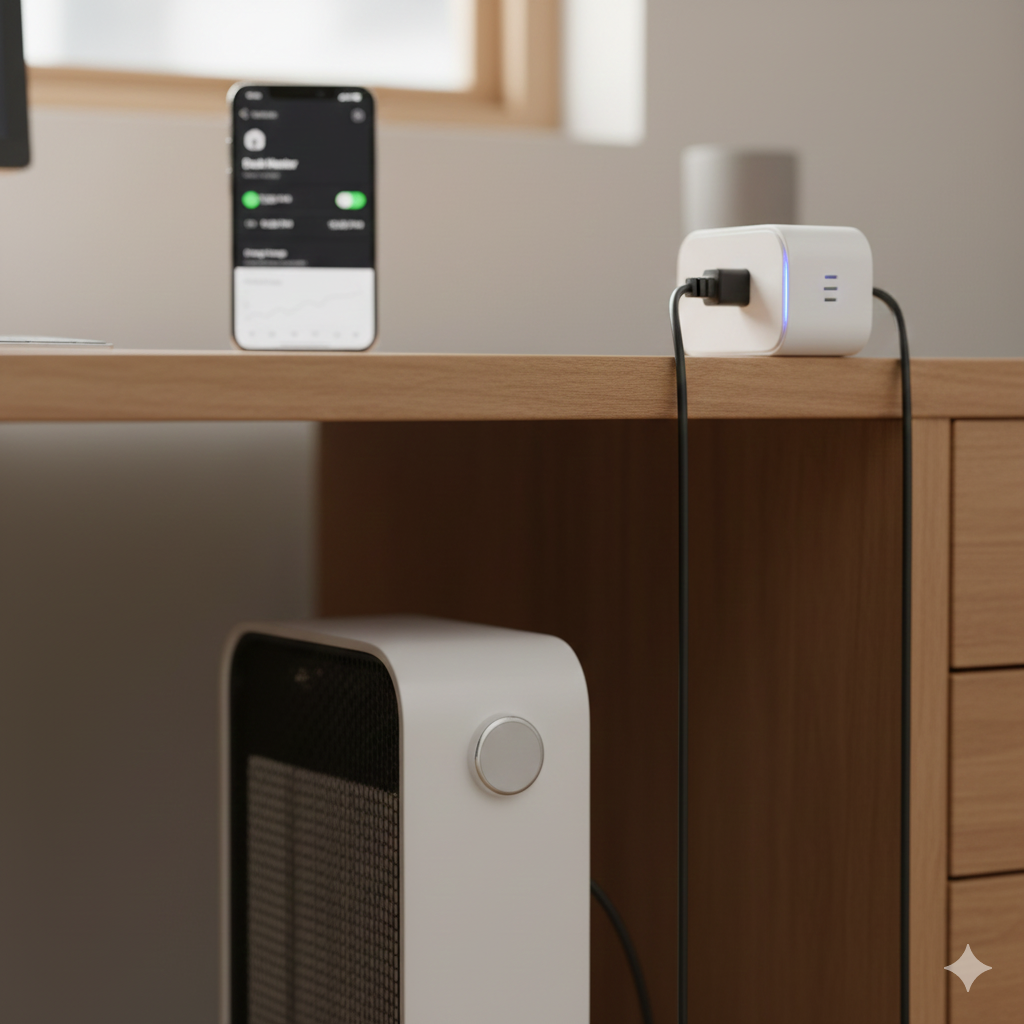
🔌 Explore More Energy-Smart Setups
If you’re looking to build an even more efficient home, these guides dive deeper into the devices and habits that quietly drain (or save) money:
- UK Energy Myths Debunked — Hidden Truths Everyone Needs to Know
- Smart Plugs for Aquariums, Reptile Tanks & Pet Heaters: Safe Automation for Constant-Use Devices
Both articles expand on the same core idea from this guide — using automation and smarter routines to reduce wasted energy without sacrificing comfort or convenience.
🧘 Final Thoughts: Smart Plugs Make Working From Home Feel Like… Less Work
If there’s one thing that surprised me about using smart plugs in my home office, it’s how much calmer the space feels.
When everything powers down automatically, when the heater doesn’t sneak an extra hour of runtime, when the printer stays silent unless actually needed… the room feels more intentional.
You start your workday with everything ready.
You end your workday with everything shutting down smoothly.
And you stop paying for electricity you’re not actually using.
It’s a small upgrade.
But in a home office, it’s one of the most effective ones you can make.
Learn how to monitor and control electricity use in every room with the Smart Energy Monitors & Plugs Hub from smart plugs to power meters and automation tips that lower your bills.
For official guidance on safe electrical loading and plug socket limits in UK homes, see Electrical Safety First, which provides clear advice on appliance wattage, safe usage, and preventing overloads.

About The Author – Andrew Marshall
Andrew Marshall is a Scottish homeowner and the creator of Save Wise Living. He shares practical ways to reduce energy bills, improve home efficiency, and make everyday household routines cheaper and simpler.