
Why Wi-Fi Reliability Matters in UK Homes
Smart home devices are only as reliable as the Wi-Fi network they depend on. From smart plugs and cameras to heating controls and connected appliances, every device needs a stable signal to function properly. Yet many UK households struggle with patchy coverage, especially in older properties with thick walls, narrow hallways, or multi-floor layouts.
This guide explores Wi-Fi range extenders, explaining how they work, what features to look for, and which models are best suited for UK homes. By the end, you’ll know how to choose the right extender to eliminate dead zones and keep your smart home running smoothly.
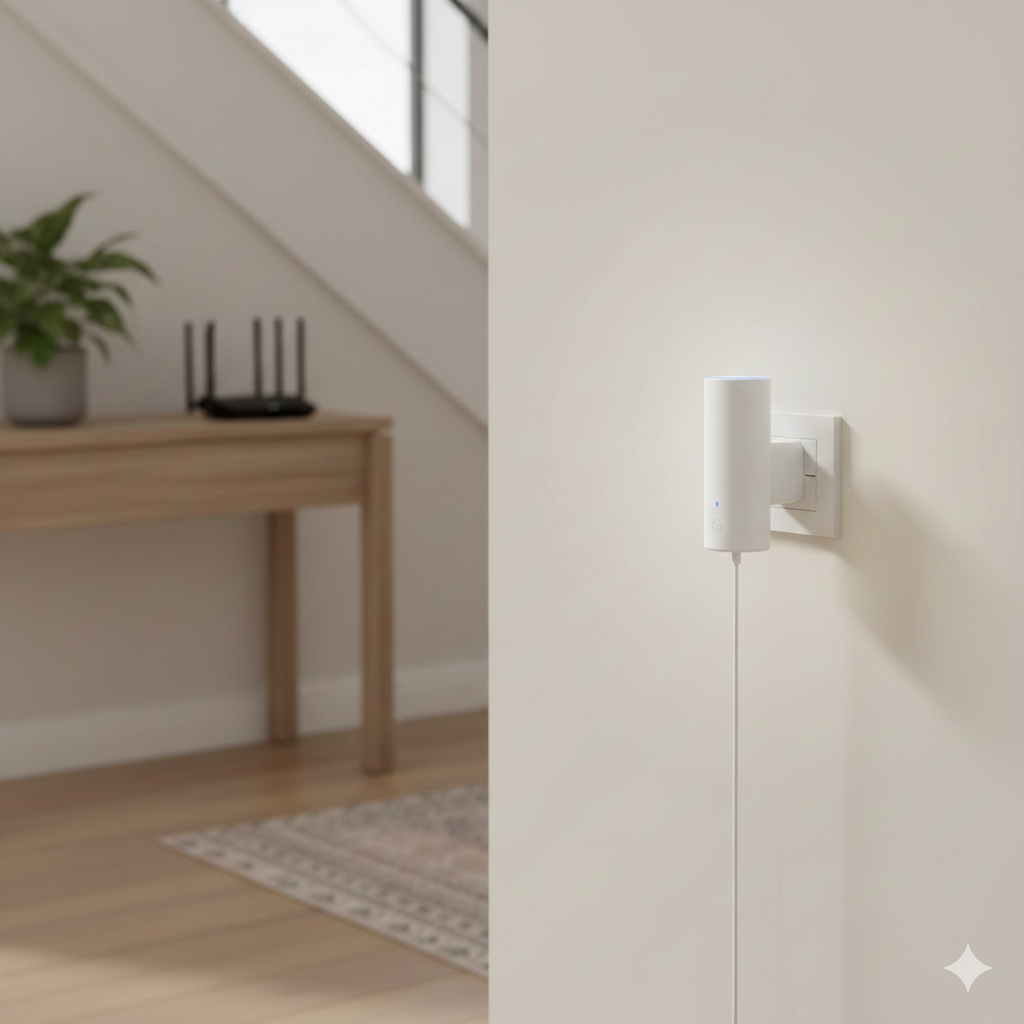
✍️ Authors Insight - Andrew
I remember helping a friend who was tearing their hair out because their smart plugs kept dropping offline upstairs. They were convinced the plugs were faulty, but the real issue was simply weak Wi-Fi trying to push through thick walls. I suggested putting a small extender on the landing, and straight away everything worked as it should. That quick fix really stuck with me — in so many UK homes it’s not the gadget that’s the problem, it’s the signal that needs a little boost.
What Wi-Fi Range Extenders Do
Wi-Fi range extenders, sometimes called boosters or repeaters, take the signal from your router and rebroadcast it to areas with weak coverage.
Key points:
- They don’t replace your router — they enhance it.
- They’re ideal for filling dead zones in bedrooms, lofts, or garden offices.
- They improve reliability for smart plugs, cameras, and thermostats.
Extenders differ from mesh systems. Mesh systems create a whole-home network with multiple nodes, while extenders are a simpler, more affordable way to target specific weak spots.
Common UK Home Challenges
UK homes present unique challenges for Wi-Fi coverage:
- Thick brick or stone walls: Signals struggle to pass through.
- Older insulation and damp basements: Can interfere with wireless performance.
- Multi-floor layouts: Routers often sit in hallways or living rooms, leaving upstairs rooms with poor coverage.
- Garden offices or extensions: Increasingly popular but often out of range of the main router.
Understanding these quirks helps you place extenders effectively and maximise performance.
Placement Tips for Best Results
Where you put your extender matters as much as which model you buy.
- Place the extender halfway between your router and the dead zone.
- Avoid plugging it in behind furniture or near microwaves.
- Keep it in open spaces like hallways or stair landings.
- If your home has multiple floors, consider one extender per level.
Correct placement ensures the extender receives a strong signal to rebroadcast, which is crucial for smart home reliability.
Features to Look For in Wi-Fi Extenders
Not all extenders are created equal. Here’s what to prioritise when shopping:
- Dual-band or tri-band support: Ensures faster speeds and less congestion.
- Speed ratings (AC750, AC1200, AX1800, etc.): Higher numbers mean better performance.
- Ethernet ports: Allow you to connect devices directly for maximum stability.
- Wi-Fi 6 compatibility: Future-proofs your setup for newer devices.
- Ease of setup: Look for WPS button pairing or app-based installation.
- Compact design: Important for UK homes with limited socket space.
Extenders vs Routers vs Mesh Systems
- Routers: Provide the main signal but often fail in larger or older homes.
- Extenders: Affordable and effective for targeted coverage improvements.
- Mesh systems: Best for large homes but more expensive.
For most UK households, extenders strike the right balance between cost and performance, making them the most practical choice.
Practical UK Scenarios
Scenario 1: Garden Office A router in the living room struggles to reach a garden office. A dual-band extender placed in the back hallway boosts the signal, keeping smart plugs and laptops connected.
Scenario 2: Upstairs Bedrooms Children’s rooms upstairs suffer from weak Wi-Fi. An extender on the landing ensures stable connections for streaming and smart speakers.
Scenario 3: Smart Heating Controls A smart thermostat in a stone-walled kitchen keeps dropping offline. An extender placed nearby stabilises the connection, ensuring heating schedules run smoothly.
Pros and Cons of Wi-Fi Extenders
| Feature | Pros | Cons |
|---|---|---|
| Cost | Affordable compared to mesh systems | Doesn’t increase speed beyond router |
| Setup | Easy with WPS or apps | Placement can be tricky |
| Coverage | Fills dead zones effectively | May need multiple units for large homes |
| Compatibility | Works with most UK routers | Performance varies by model |
Best Wi-Fi Range Extenders (Amazon UK)
When it comes to improving smart home reliability, choosing the right Wi-Fi extender makes all the difference. Below are some of the most reliable options available in the UK, with a breakdown of what each offers, their strengths, and a few things to keep in mind before buying.
TP-Link Wi-Fi Extender Broadband Booster (Dual Band, 1200Mbps) This model is a solid all-rounder for most UK households. With dual-band support, it can handle everyday streaming, smart plugs, and connected devices without slowing down. It’s compact, easy to set up with a WPS button, and works well in typical semi-detached or terraced homes.
- Pros: Reliable dual-band coverage, simple installation, good balance of speed and price.
- Cons: Not the fastest option for heavy gamers or large households.
- Best for: Families who want a straightforward, dependable boost in coverage.
QLOCOM Wi-Fi Extender AC1200 (Blazing Fast 1200Mbps, Dual Band) This extender is designed for speed and stability. It’s ideal if you’ve got multiple smart devices running at once — think smart TVs, cameras, and plugs all competing for bandwidth. The dual-band setup helps reduce congestion, and its performance is strong enough for streaming HD content without buffering.
- Pros: Fast speeds, stable dual-band performance, good for busy households.
- Cons: Slightly bulkier design, may require careful placement for best results.
- Best for: Homes with lots of smart devices or heavy streaming needs.
TP-Link RE315 AC1200 Wi-Fi Range Extender with Ethernet Port The RE315 stands out because of its Ethernet port, which lets you connect devices directly for maximum stability. This is especially useful for smart TVs, gaming consoles, or work-from-home setups where dropouts aren’t an option. It also offers dual-band coverage and integrates smoothly with most UK routers.
- Pros: Ethernet port for wired connections, strong dual-band coverage, reliable brand support.
- Cons: Slightly more expensive than basic models.
- Best for: Households that need both wireless extension and wired stability for key devices.
NETGEAR EX6410 AC1900 Wi-Fi Range Extender This is one of the more powerful options, offering AC1900 speeds that can handle larger homes or multiple floors. It’s a great choice if you’ve got a lot of smart home devices spread across different rooms, or if you want to future-proof your setup. The EX6410 also supports FastLane technology, which prioritises performance for streaming and gaming.
- Pros: High-speed coverage, excellent for larger homes, strong brand reliability.
- Cons: Bigger footprint, higher price point.
- Best for: Larger UK homes or households with heavy internet usage across multiple devices.
TP-Link RE200 AC750 Wi-Fi Range Extender (Budget-Friendly Option) If you’re looking for something affordable, the RE200 is a great entry-level choice. It won’t deliver the same speeds as higher-end models, but it’s more than enough for boosting Wi-Fi to a bedroom, loft, or small office. It’s compact, easy to set up, and ideal for households that just need a simple fix without spending much.
- Pros: Very affordable, compact design, easy installation.
- Cons: Lower speeds, not ideal for heavy streaming or gaming.
- Best for: Smaller homes or anyone who wants a budget-friendly way to eliminate dead zones.
Helping You Decide
- If you want balanced performance at a fair price, go for the TP-Link Wi-Fi Extender Broadband Booster (Dual Band, 1200Mbps).
- If your home is packed with smart devices, the QLOCOM AC1200 will handle the load better.
- If you need wired stability for gaming or streaming, the TP-Link RE315 is the smarter pick.
- For larger homes or multi-floor setups, the NETGEAR EX6410 AC1900 offers the strongest coverage.
- And if you’re on a tight budget, the TP-Link RE200 AC750 is a simple, effective way to fix dead zones.
By weighing up your household size, device usage, and budget, you can choose the extender that fits your needs best — and finally enjoy a smart home setup that stays connected everywhere.
Benefits of Choosing the Right Extender
Optimising your Wi-Fi setup doesn’t just improve smart home reliability — it also enhances productivity and entertainment. Stronger coverage means fewer dropouts during video calls, smoother streaming, and more consistent performance for connected devices. For households working from home or relying on smart heating and security, the right extender can make a noticeable difference.
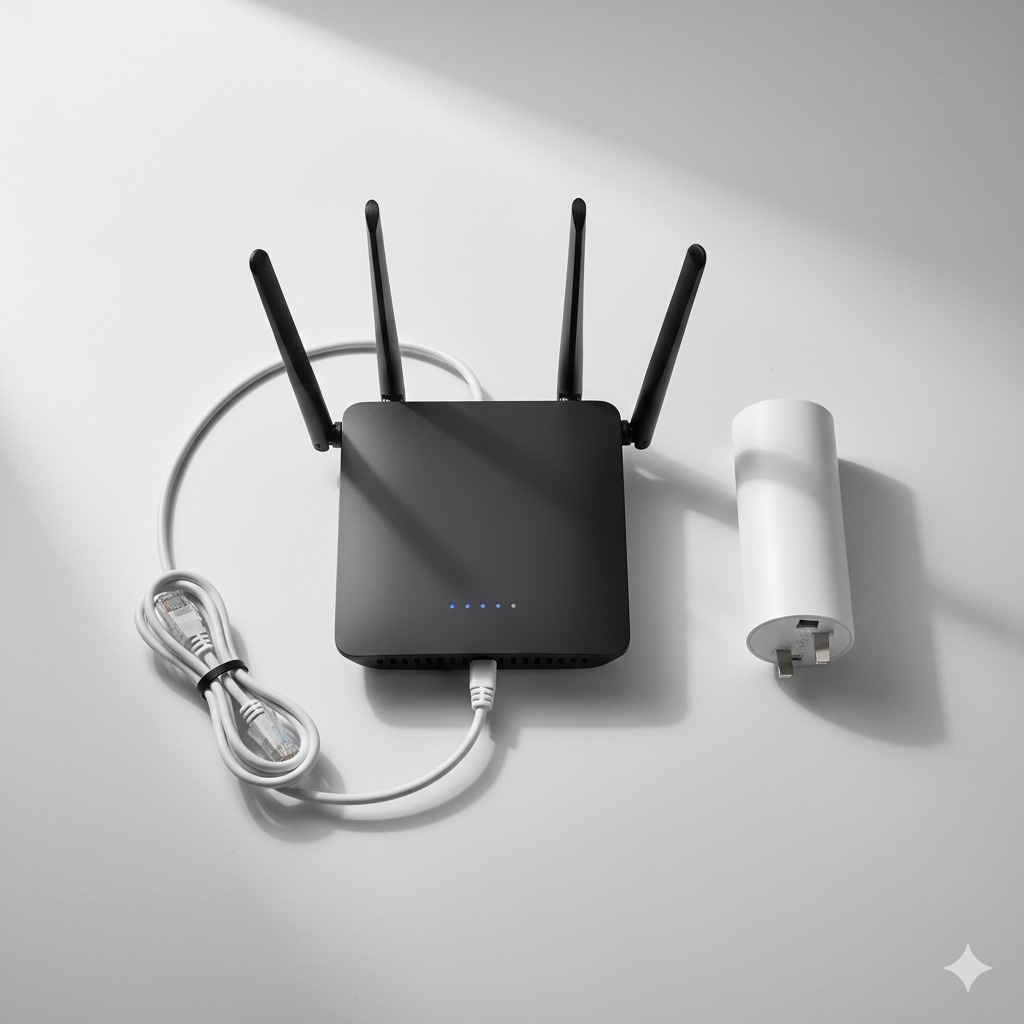
📡 Smarter Energy Choices
If you’re looking at Wi-Fi extenders to boost smart home reliability, it’s worth exploring how to cut wasted electricity too. Our room-by-room plug load reduction plan shows simple steps for tackling phantom energy across the house, while the guide on smart energy monitors vs traditional meters explains which is more accurate for tracking usage in UK homes. Together, these articles build on what you’ve learned here, helping you save money and keep your smart home running smoothly.
- The Room-by-Room Plug Load Reduction Plan (Simple UK Guide)
- Smart Energy Monitors vs Traditional Meters — What’s Really More Accurate?
Finally Choosing the Right Extender for UK Homes
Wi-Fi extenders are a practical solution for UK households struggling with patchy coverage. They don’t replace your router, but they can dramatically improve reliability for smart home devices.
If you want a balance of performance and affordability, the TP-Link Wi-Fi Extender Broadband Booster (Dual Band, 1200Mbps) is the best starting point. It’s compact, easy to set up, and powerful enough to handle most UK home layouts. For larger homes or heavier usage, pairing it with a higher-capacity model like the NETGEAR EX6410 AC1900 Wi-Fi Range Extender ensures stable coverage across multiple floors.
Final Thought: Smart homes are only as reliable as their Wi-Fi. By choosing the right extender and placing it carefully, you can eliminate dead zones, keep devices connected, and enjoy a smoother, more dependable smart home experience.
Learn how to monitor and control electricity use in every room with the Smart Energy Monitors & Plugs Hub from smart plugs to power meters and automation tips that lower your bills.
For official, trusted UK advice on reducing energy use, the Energy Saving Trust has clear, practical guidance on saving electricity at home.
https://energysavingtrust.org.uk

About The Author – Andrew Marshall
Andrew Marshall is a Scottish homeowner and the creator of Save Wise Living. He shares practical ways to reduce energy bills, improve home efficiency, and make everyday household routines cheaper and simpler.